How to Design Your Own Custom Hat
 Posted By Lissa Eckert —
Lissa has been helping customers create their perfect custom swag at Custom Ink since 2014 and loves to share her insights, tips, and tricks.
SHARE:


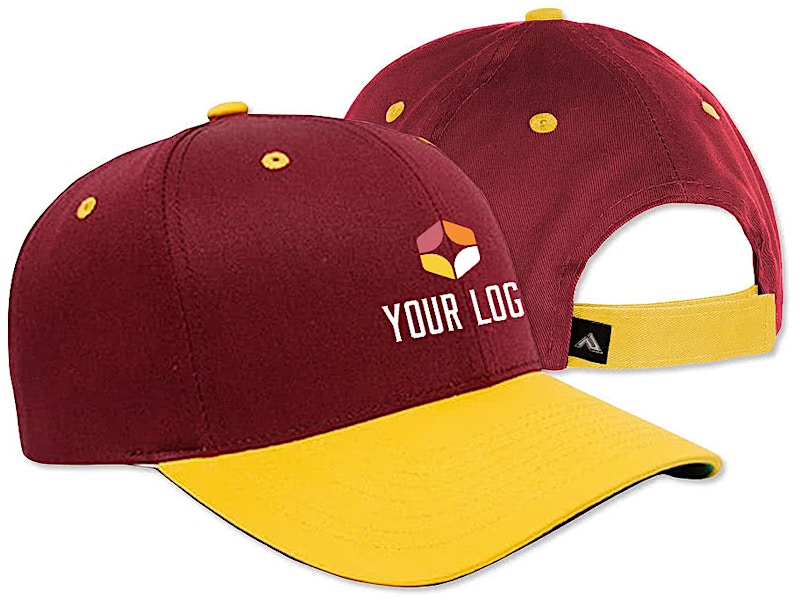
Designing your own custom hat is easier than you might think.
Whether you’re creating matching gear for a family vacation, outfitting your sports team, or building brand awareness for your business, we’ve built our Design Lab to make the process simple and fun. From uploading your logo to choosing the perfect hat style, this tutorial walks you through everything you need to know to create headwear you’ll be proud to wear.
In This Article
- Choosing the Right Hat Style for Your Design
- Getting Started in the Design Lab
- Uploading Your Logo or Artwork
- Design Tips for the Best Results on Hats
- Finalizing Your Custom Hat Order
- Frequently Asked Questions
Key Takeaways
- Choose the right hat style first because your decoration method and design complexity depend on whether you pick a trucker hat for screen printing or a baseball cap for embroidery.
- Use high-resolution files (300 DPI+) for uploads as vector files like EPS, PDF, and AI provide the best print quality, while PNG and JPG work great for simpler designs.
- Keep hat designs simple and bold since smaller print areas mean fine details can get lost, especially with embroidery where stitch counts affect complexity.
Choosing the Right Hat Style for Your Design
Before you start designing, think about who will wear your custom hats and where they’ll wear them. A construction crew working outdoors needs something different than a bridal party headed to a bachelorette weekend. We offer dozens of hat styles, and your choice affects which decoration methods are available and how your design will look in the final product.
Trucker hats remain one of our most popular options because they’re versatile, affordable, and work beautifully with screen-printed designs. The foam front panel provides a smooth, flat surface that’s ideal for colorful, detailed artwork. If you’re planning a group trip, team event, or want to create matching hats for your organization, trucker hats deliver a casual, classic look that people actually want to wear.
Baseball caps and dad hats offer a more polished appearance, making them excellent choices for company logos, sports teams, and professional events. These styles typically feature embroidered designs, which create a textured, premium look that holds up to years of wear. Embroidery works best with designs that have clean lines, limited colors, and text that’s at least a quarter-inch tall.
For colder weather or casual everyday wear, beanies make a cozy choice. These knit caps can be embroidered with your logo or design on the cuff, creating a subtle but stylish branded look. Premium hats from brands like New Era and Nike offer retail-quality construction with professional embroidery that rivals what you’d find in stores.
Quick Guide to Hat Styles and Decoration Methods
- Trucker Hats: Screen printing for colorful, detailed designs with a casual vibe
- Baseball Caps: Embroidery for professional logos and long-lasting durability
- Dad Hats: Embroidery for a relaxed, vintage aesthetic
- Beanies: Embroidery on the cuff for cold-weather branding
- Performance Hats: Embroidery on moisture-wicking materials for active use
- Patch Hats: Woven or printed patches for a trendy, vintage-inspired look. Learn more about different patch materials and styles in our custom patch hats guide.
Want to dive deeper? Compare all decoration methods to find the perfect option for your design.
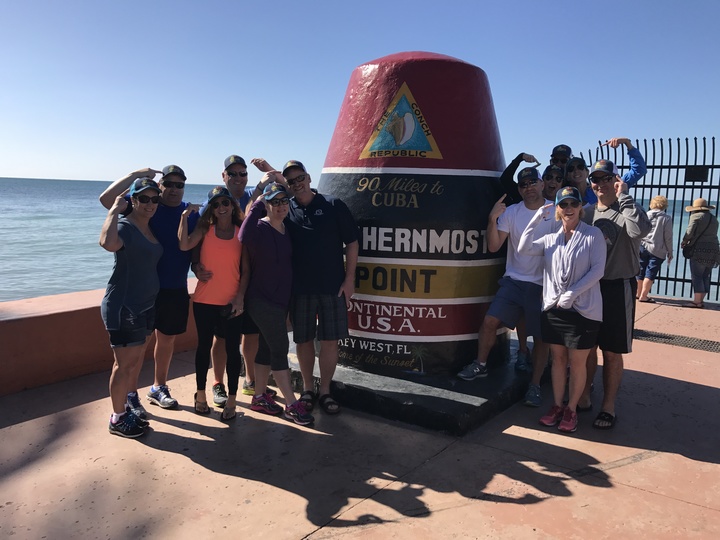
“We just returned from Key West! My husband and I had Custom Ink design hats for our group. There were 12 of us on the trip. Everyone wore them during the trip. Our photo was taken at the Southernmost point of the U.S. Everyone loved their new ‘lids’! We have used CustomInk before but this is our first entry. We have always had such a great experience ordering with CustomInk!”
Featured Products from This Story

Yupoong Retro Trucker Hat
- Classic retro styling with mesh back
- Snapback closure for adjustable fit
- Available in multiple color combinations
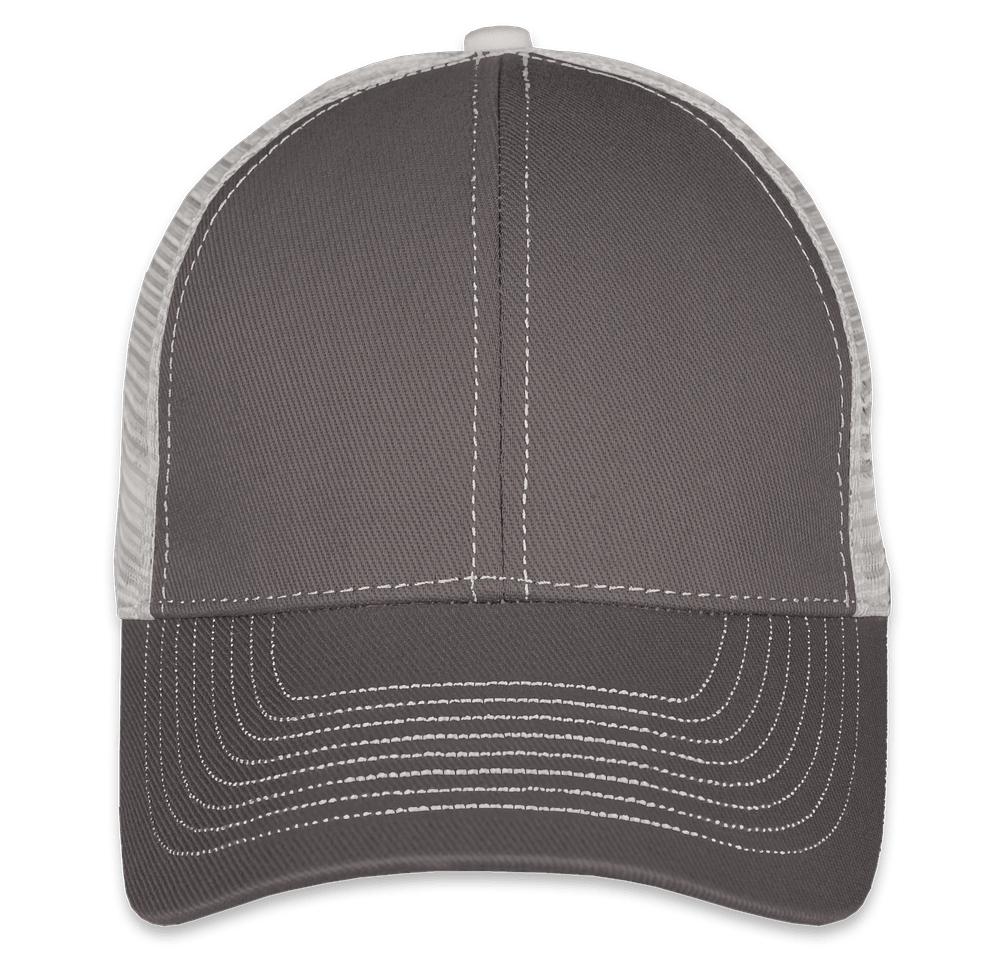
Mega Cap Contrast Stitch Trucker Hat
- Distinctive contrast stitching details
- Structured front panel for embroidery
- Breathable mesh back panels
Design Templates to Get You Started
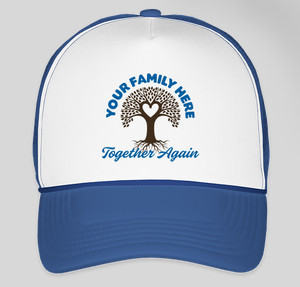
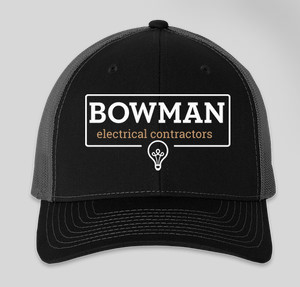
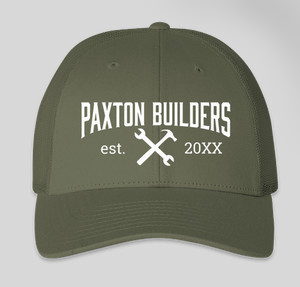
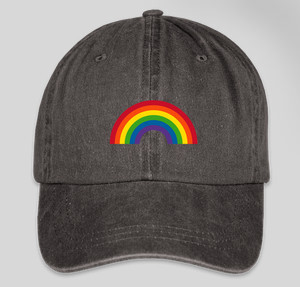
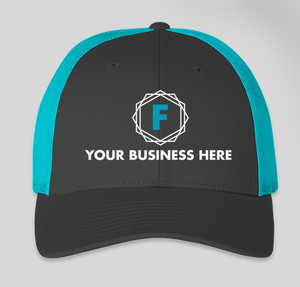
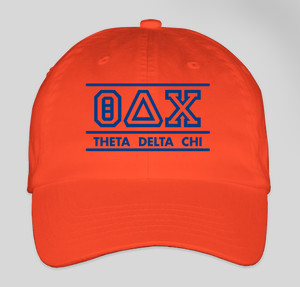
Not sure where to begin? Our design template library features hundreds of professionally created hat designs you can customize with your own text, colors, and details. Browse templates organized by category, like family reunion, company, or sports themes.
 |  |  |
Getting Started in the Design Lab
Our Design Lab is where your custom hat comes to life. You can access it by selecting any hat product and clicking “Start Designing,” or by going directly to the Design Lab and choosing your product there. Either way, you’ll find an intuitive workspace that shows exactly how your design will look on your chosen hat.
The Design Lab interface displays your hat in real-time as you make changes. You can rotate the view to see different angles, zoom in on details, and switch between color options instantly. This preview feature helps you make confident decisions before placing your order, since what you see on screen closely matches what you’ll receive.
Three Ways to Create Your Hat Design
Start with a template: Browse our library of ready-to-customize designs. You can change colors, swap out text, adjust sizing, and add your own elements while keeping the professional layout intact. Templates are especially helpful if you’re short on time or want design inspiration.
Upload your own artwork: If you have a logo, graphic, or design file ready to go, you can upload it directly to the Design Lab. We accept most popular file formats, and our system processes your upload within seconds. Once uploaded, you can resize, reposition, and refine placement until everything looks just right.
Build from scratch: Use our built-in text tools, clipart library, and shape options to create something completely original. Add multiple text elements in different fonts, layer graphics, and combine colors to achieve your vision. The Design Lab includes thousands of clipart images organized by category, making it easy to find icons, illustrations, and decorative elements that match your theme.
- Pro tip: Save your design as you work so you can come back to it later or use it for future orders
- Pro tip: Preview your design on multiple hat colors before deciding, as some colors make artwork pop while others may clash
- Pro tip: Use the zoom function to check small text and fine details before finalizing

“Our soccer team, the Blue Sharks, are comprised of buddies who have known each other since they were toddlers. This is our second season together and last year we made custom t-shirts for the boys and parents. So for this season we decided to make personalized embroidered caps and we went to CustomInk to accomplish this. It’s been an absolute pleasure working with the CustomInk team.”
Featured Products from This Story
Yupoong Twill Flexfit Hat
- Stretch-fit construction for comfort
- Premium twill fabric
- Multiple size options available
New Era 39THIRTY Stretch Fit Cotton Hat
- Official New Era quality
- 39THIRTY stretch fit technology
- Premium embroidery decoration
Uploading Your Logo or Artwork
If you have an existing logo or design, uploading it to the Design Lab takes just a few clicks. Head to the Uploads section, then drag and drop your file or browse your device to find it. We support all popular image formats, and the maximum file size is 20 MB. If you run into any issues or have a file type we don’t support, email us at service@customink.com and we’re happy to help.
Supported File Types for Custom Hats
We accept the following file formats in the Design Lab:
- PNG – Great for logos with transparent backgrounds
- JPG/JPEG – Standard image format, works well for photos and detailed graphics
- AI – Adobe Illustrator files provide the highest quality vector graphics
- EPS – Vector format that scales perfectly at any size
- PDF – Versatile format that preserves design quality
Note: Microsoft Office files like PowerPoint, Word, and Excel are not compatible with the Design Lab directly. If your artwork is in one of these formats, use our upload form to send us your files and we’ll convert them for you at no charge.
Why Vector Files Work Best for Hats
For the sharpest results, especially with embroidery, vector files (AI, EPS, PDF) are ideal. These formats use mathematical equations instead of pixels, which means your design can be scaled up or down without losing quality. When we convert your design for embroidery digitization, vector files give our artists the clearest information about your design’s shapes, colors, and edges.
If you only have a raster image (PNG or JPG), don’t worry. Higher resolution files (300 DPI or above) still produce excellent results. Our expert artists review every order and will touch up low-resolution images at no extra cost to ensure your design looks great on the final product. If there’s ever a concern about image quality, we’ll reach out before production begins.
- Best for: Complex logos with gradients, photography, and detailed illustrations – use PNG or JPG at 300+ DPI
- Best for: Clean logos, text, and simple graphics – use vector files (AI, EPS, PDF) when available
- Budget tip: Keep your design to 1-3 colors for embroidery to minimize costs while maintaining a professional look
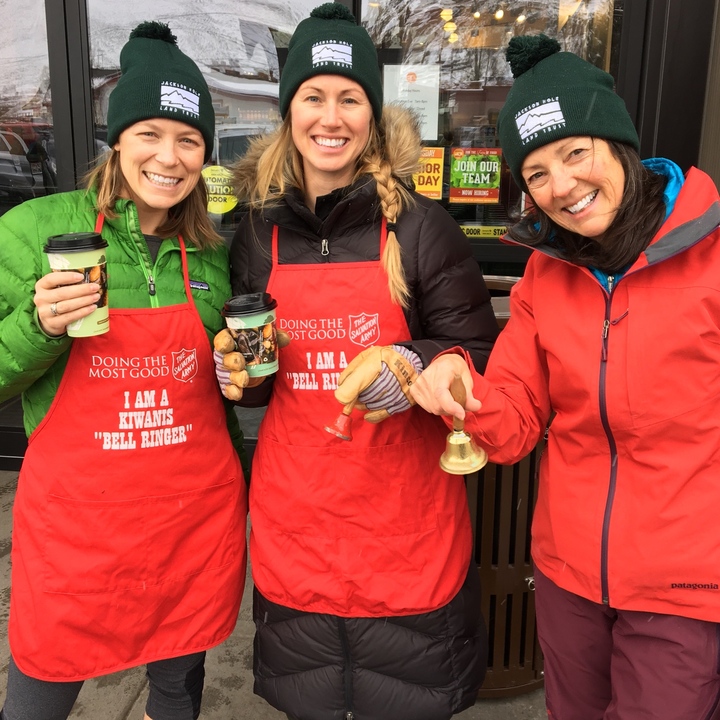
“Members of the Jackson Hole Land Trust staff volunteered for the Salvation Army and sported our new CustomInk hats while bell ringing to raise money for a great cause. The hats kept us warm and toasty and arrived just in time for the event! We had a great experience working with the CustomInk team and will definitely use them again in the future!”
Featured Products from This Story
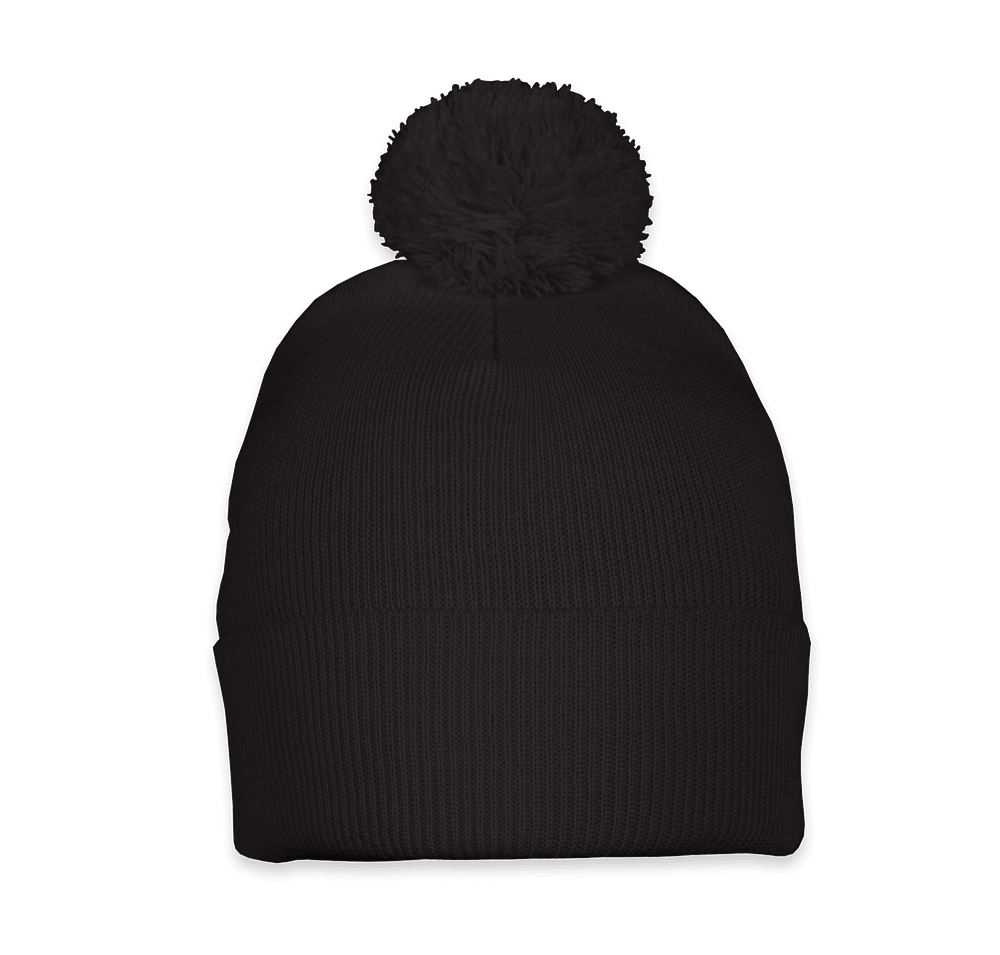
Sportsman Pom Pom Beanie
- Fun pom pom accent on top
- Warm acrylic knit construction
- Perfect for cold weather events
Design Tips for the Best Results on Hats
Hats present unique design challenges compared to t-shirts or other apparel. The print area is smaller, the surface may be curved or textured, and decoration methods like embroidery have technical limitations that affect what’s possible. We’ve learned a lot from helping thousands of customers create custom hats over the years, and these tips will help your design look its best.
Keep It Simple and Bold
The front panel of most hats measures roughly 3 to 4 inches wide and 2 to 3 inches tall for the design area. That’s not a lot of real estate, so designs with clean lines and bold elements tend to look best. Fine details that work perfectly on a t-shirt might get lost or become unreadable on a hat. Consider simplifying complex logos or choosing larger, bolder text.
For embroidered hats specifically, intricate details require more stitches, which can affect production time and cost. Very small text (under 1/4 inch tall) can be difficult to embroider cleanly. If your logo includes fine lines, thin fonts, or small elements, our design experts can suggest modifications that preserve your brand identity while working within embroidery limitations.
Choose Colors Strategically
The hat color you choose forms the background for your design, so think about contrast and readability. A dark logo on a dark hat can get lost, while a bright design on a white hat really pops. We offer preview tools in the Design Lab that let you see how your design looks on different hat colors before ordering.
For screen-printed trucker hats, each color in your design requires a separate screen, so designs with 1-3 colors keep costs manageable. For embroidered hats, thread color changes add production time, but most designs accommodate multiple colors without significant cost increases.
- Best for visibility: Light designs on dark hats, or dark designs on light hats
- Best for cohesion: Match thread or ink colors to your brand standards
- Don’t miss: Preview your design on multiple hat colors to find the best combination
Consider Your Decoration Method
Embroidery creates a textured, premium look with excellent durability. It works best for solid colors, clean text, and simple graphics. Embroidered designs have a three-dimensional quality that screen printing can’t replicate. Most baseball caps, dad hats, and beanies use embroidery.
Screen printing excels at reproducing colorful, detailed artwork with gradients and photographic elements. It’s the standard method for trucker hats with foam front panels. Screen printing offers more flexibility for complex designs but works best on flat surfaces.
Patches offer a trendy alternative that combines the texture of embroidery with the design flexibility of printing. Woven patches can capture fine detail, while embroidered patches have a classic look. Patch hats are increasingly popular for their vintage-inspired aesthetic.
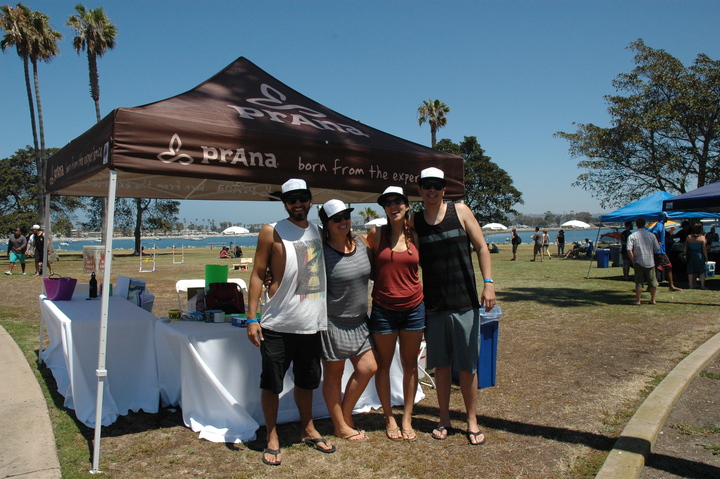
“Our Special Events team (all volunteer) had a blast hosting our annual company beach day in Mission Bay, San Diego, CA. We love to celebrate our staff with a fun day on the water, where they can bring their kids, family and friends to relax and catch some waves. Our team LOVES working with CustomInk, service is always super friendly and helpful, and making fun designs is almost like therapy!”
Featured Products from This Story
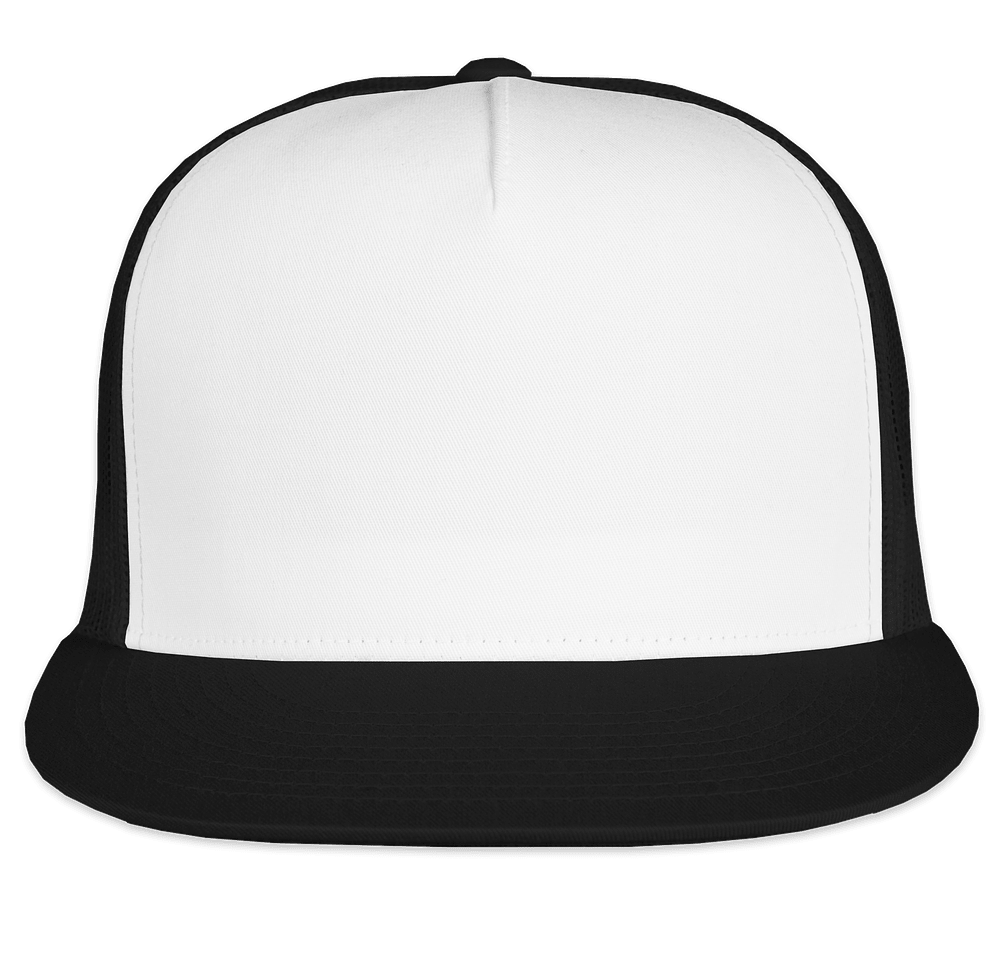
Yupoong Classic Trucker Hat
- Our most popular printed hat
- Foam front for vibrant screen prints
- No minimum order required
More Design Templates
 |  |  |
Finalizing Your Custom Hat Order
Once your design looks perfect in the preview, it’s time to complete your order. The checkout process is straightforward, but understanding your options helps ensure you get exactly what you need.
Step-by-Step: Completing Your Order
- Review your design: Double-check spelling, placement, and colors in the Design Lab preview
- Select quantities: Enter the number of hats you need for each size (if applicable)
- Choose your delivery method: Standard free shipping arrives in about 2 weeks, with rush options available for faster turnaround
- Add to cart: Review your all-inclusive price, which covers products, decoration, design support, and shipping
- Complete checkout: Enter shipping details and payment information
Ordering for Groups
If you’re ordering hats for a team, club, or organization where members need to choose their own sizes or pay individually, our Group Order Form makes it simple. Set up your design, then share a link with your group. Each person selects their size, enters their shipping address, and pays separately. All orders ship together or to individual addresses, depending on your preference.
Group Orders work well for sports teams ordering matching hats in different sizes, companies where employees pay for their own merchandise, or reunion groups where everyone wants to chip in for matching gear.
What Happens After You Order
Every order receives a review from our expert artists. They check for potential issues like low resolution, color conflicts, or placement concerns. If anything needs attention, we’ll reach out before production begins. This quality check is part of our commitment to making sure your custom hats turn out exactly as expected.
For embroidered hats, our team creates a digital embroidery file (called digitization) based on your design. This process translates your artwork into stitch instructions that our embroidery machines follow. Complex designs may require simplification to embroider cleanly, and our artists make these adjustments to preserve your design’s intent while ensuring production quality.
You’ll receive order confirmation and tracking information by email. Most orders ship within two weeks from order placement, with your custom hats arriving at your doorstep ready to wear.
Creating custom hats should be fun and rewarding, not stressful. With our Design Lab, extensive template library, and expert support team, you have everything you need to design headwear that represents your group, business, or cause. Browse our full selection of custom hats to find the perfect style, then start designing something you’ll be proud to wear.
Start Designing Your Custom Hats
Frequently Asked Questions
Q: What file types can I upload for my custom hat logo?
We accept all popular image formats including PNG, JPG, AI, EPS, and PDF. Vector files (AI, EPS, PDF) work best for embroidered hats because they scale perfectly. The maximum file size is 20 MB. If you have a different format, contact us and we’ll help convert it for free.
Q: How far in advance should I order custom hats?
Orders arrive at your door within 2 weeks with free standard shipping. If you need your custom hats faster, rush options are available for an additional charge. For events or deadlines, we recommend ordering at least 3 weeks ahead to allow time for any design adjustments.
Q: Can I order just one custom hat?
Yes! Many of our hat styles have low or no minimums. Filter by “no minimum” in our product catalog or check the specific product details to see quantity requirements. Our no minimum hats collection makes it easy to find options for single orders.
Q: Are bulk discounts available for custom hats?
Yes, we offer discounts for bulk custom hat orders. The more hats you order, the lower your per-unit price. Check the product details or adjust the order quantity in the Design Lab to see your all-inclusive pricing with quantity discounts applied.
Q: Can members of my group pay for their own custom hats?
Absolutely! Our Group Order Form allows each person to select their size, enter their shipping address, and pay separately. This is perfect for teams, clubs, and organizations where individuals want to purchase their own custom hats.
Q: Can I get help designing my custom hat?
Yes! Our design experts (we call them Inkers) are available to help you create the perfect hat design. You can also use our Design Lab templates and clipart library for inspiration, or contact us for personalized assistance with your project.
Q: What’s the difference between embroidery and screen printing on custom hats?
Embroidery uses thread to stitch your design onto the hat, creating a textured, premium look that’s extremely durable. Screen printing applies ink to the surface, which works best for detailed, colorful designs on foam-front trucker hats. We automatically recommend the best method based on your chosen hat style.
Q: What resolution should my custom hat logo be?
For best results, use images with 300 DPI (dots per inch) or higher resolution. Vector files are ideal because they scale without losing quality. If your uploaded image is low resolution, our artists will touch it up at no extra cost, and we’ll contact you if there are any concerns before production.
Q: Can I add names or numbers to individual custom hats?
Yes! Our names and numbers feature lets you personalize each hat with individual text at no additional cost. This is perfect for sports teams, employee recognition, or any situation where each hat needs unique identification.
Q: How do I know my custom hat design will look good before I order?
Our Design Lab shows you a realistic preview of your design on your chosen hat. You can rotate the view, zoom in on details, and try different hat colors. Every order also receives a free review by our expert artists, who check for potential issues before production begins.


Lissa has been helping customers create their perfect custom swag at Custom Ink since 2014 and loves to share her insights, tips, and tricks.
Leave a Comment